Understanding the best workforce management software isn’t just about ticking boxes. It’s about finding a solution that slots neatly into your existing tech, takes the headache out of UK compliance, and actually makes your teams more productive. For any UK business with between 50 and 4,000 employees, getting this right is less about buying a tool and more about shaping your entire operational strategy.
Navigating the UK Workforce Management Software Market

Picking the right workforce management (WFM) software is a major decision for any UK organisation. With hybrid work now the norm, ever-changing labour laws, and the constant pressure to be more efficient, a simple time-tracking app just doesn’t cut it anymore. What you really need is a system that understands and adapts to the way your business actually works.
The market certainly reflects this reality. The UK workforce management software market is already valued at an estimated £336.9 million in 2024. That figure is expected to rocket to £786.5 million by 2035, which tells you just how central these platforms are becoming to business success. You can explore more about these market projections and what they mean for the future.
Key Evaluation Criteria
To choose wisely, you need to start with a clear list of what matters most. A strong WFM platform should do much more than manage rotas; it needs to deliver real value across the entire business. The aim is to find something that not only solves today’s problems but can also grow with you.
This guide is designed to help you compare the options out there, starting with the absolute fundamentals every UK business should be thinking about.
The table below breaks down the essential criteria to have in mind as you start your search.
Key Criteria for Evaluating UK Workforce Management Software
| Evaluation Criterion | Why It Matters for UK Businesses | Example Feature |
|---|---|---|
| UK Compliance Management | Following regulations like UK Right to Work, Working Time Regulations, and GDPR isn’t optional. Getting it wrong can lead to serious fines. | Automated Right to Work checks with alerts for expiring documents. |
| System Integration | Your WFM tool must talk to your other systems (payroll, HR, ERP) to prevent data getting trapped in silos and cut out tedious manual entry. | Native integration with Microsoft 365, letting staff manage leave in Teams and Outlook. |
| Employee Self-Service | Giving employees the power to manage their own rotas, holiday requests, and personal details frees up your HR team from endless admin. | A mobile app for swapping shifts, checking schedules, and viewing payslips. |
| Reporting & Analytics | You need solid data on labour costs, productivity, and attendance to make smart, strategic decisions. | Customisable dashboards in Power BI that show you what’s happening in real-time. |
Getting a firm grasp of these core requirements is the first step toward finding the best workforce management software for your unique situation.
To talk through your specific needs and find the ideal solution for your business, phone 01522 508096 today or send us a message.
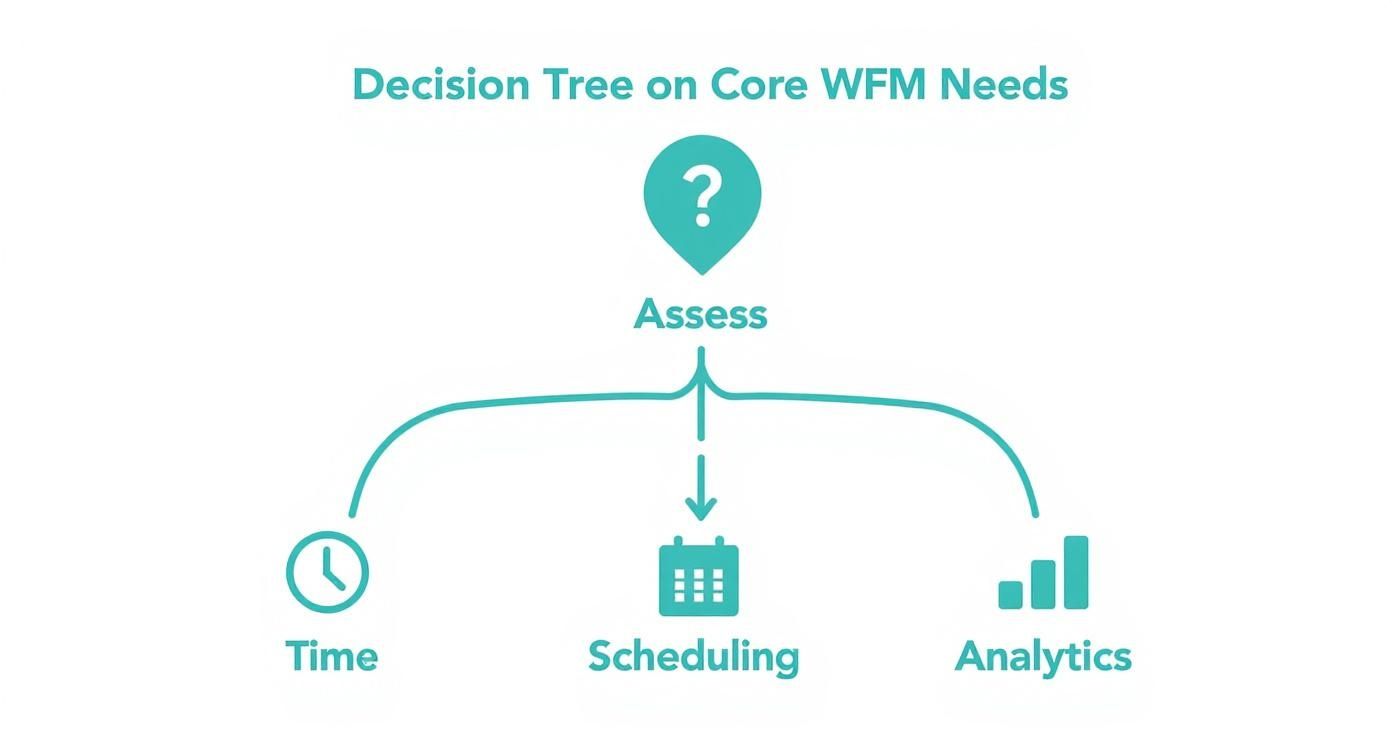
Defining Your Core WFM Needs for a Modern UK Workforce
Before you even start looking at software demos, the first and most critical step is to map out your own operational challenges. A generic, off-the-shelf solution rarely cuts it for UK businesses, which have to navigate a minefield of strict Right to Work legislation, GDPR compliance, and often, the headache of complex rostering across multiple sites. Pinpointing exactly where you’re feeling the pain is the only way to start.
This means taking an honest look at where your current processes are letting you down. Are your managers sinking hours every week just trying to build a workable schedule? Is sloppy time tracking leading to constant payroll corrections and unhappy staff? Answering these questions gives you a concrete list of must-haves, so you can judge software on what your business actually needs, not just a flashy feature list.
Assessing Your Time and Attendance Requirements
Accurate time and attendance is the bedrock of any good WFM system. It’s about more than just clocking in and out; it’s about making sure every single hour worked is accounted for properly, which feeds directly into your labour costs and legal compliance.
Think about these key areas:
- Accuracy: Are you battling problems like ‘buddy punching’ or people forgetting to clock in? Modern solutions with biometric scanners or AI facial recognition can make these issues a thing of the past.
- Flexibility: How are you currently handling a mix of remote, hybrid, and flexible working patterns? Your software needs to manage these complex rules without someone having to create manual workarounds.
- Payroll Integration: How much time is spent manually exporting timesheet data for payroll? A system that talks directly to your payroll software cuts down on admin and dramatically reduces human error.
A crucial part of this is getting a handle on your workforce makeup. For example, knowing how to calculate FTE (Full-Time Equivalent) employees is fundamental for accurate resource planning and budgeting.
Analysing Employee Scheduling and Rostering
Good scheduling is a real balancing act. You have to meet customer demand, keep a lid on costs, factor in employee availability, and stay on the right side of the Working Time Regulations. It’s no surprise that spreadsheets and paper rotas often buckle under the pressure.
When you’re thinking about your scheduling needs, ask yourself:
- Complexity: Do you manage multiple locations, different departments, or roles that require specific skills? You’ll need software that can handle this multi-dimensional puzzle.
- Forecasting: Can you predict how many staff you’ll need next month based on sales data or footfall? The best WFM tools use your own historical data to build optimised, demand-driven schedules.
- Employee Experience: Can your team easily check their shifts, request swaps, and book holidays from their phones? A user-friendly mobile app with self-service features is no longer a nice-to-have; it’s an expectation.
Evaluating Absence Management and Labour Analytics
Finally, look at how you handle absences and, just as importantly, how you use your data. An unexpected absence can throw a whole day’s plan into chaos, while flying blind without any real analytical insight makes strategic planning impossible.
The aim is to shift from constantly fighting fires to proactively managing your workforce. A strong system gives you the data you need for mastering analytics in HR for business growth, turning raw numbers into smart decisions. By taking the time to define these core needs, you’ll build a solid foundation for choosing a platform that delivers genuine, measurable value to your business.
Comparing Leading WFM Solutions for UK Businesses
Once you have a clear picture of what you need, the next step is to get to grips with the main types of workforce management software on the UK market. Broadly speaking, your choice comes down to two very different philosophies: the big, standalone WFM suites versus the newer Microsoft-native solutions.
Getting this choice right is about more than just features; it’s about understanding the fundamental architectural differences and what they mean for your business long-term.
On one side, you have the established players like Workday or Kronos (UKG). These are powerful, feature-packed systems built to be an all-in-one destination for everything WFM. They’ve been honed over many years and offer incredibly deep functionality. On the other side, you have platforms like DynamicsHub, which are built directly on the Microsoft Power Platform. They use Dataverse as their core, meaning they are designed from the ground up to weave seamlessly into the Microsoft 365, Teams, and Outlook environments your teams already live in.
This comparison isn’t just about ticking off features. We’re going to look at the real-world impact of each approach, especially for businesses already invested in the Microsoft ecosystem. We’ll cover everything from getting your team on board to keeping your data secure.
Integration and User Experience
One of the biggest dividing lines is how each system fits into an employee’s daily routine. Standalone systems, for all their power, often feel like separate islands of technology.
To book a holiday or check a rota, an employee has to stop what they’re doing, open a new browser tab, log into a completely different system, and find their way around an unfamiliar interface. This creates friction. It’s a small thing, but it’s enough to discourage people from using the system, sending them straight back to emailing their manager instead.
A Microsoft-native solution, on the other hand, brings these tasks directly into the flow of their work.
Real-World Example: Imagine a manager approving a leave request with a single click inside an Outlook email. Or an employee checking their shifts and requesting a swap from right inside a dedicated Microsoft Teams app. This isn’t just a minor convenience; it massively cuts down on training and makes sure the system actually gets used.
The takeaway here is simple: embedding HR tools into the applications your people use every day removes the need for them to constantly switch context, which is a genuine boost to productivity.
Security and Data Management
For any UK business, data security and GDPR compliance are non-negotiable. This is where the architectural differences between the two approaches have huge implications. With a third-party WFM platform, you are handing over your sensitive employee data to another vendor with a separate security model, different logins, and its own data storage policies.
This introduces a layer of complexity and potential security weak spots. You’re suddenly managing user access across two different systems, and data often needs to be synchronised between them, which creates more points where things can go wrong.
By contrast, a Microsoft-native WFM solution inherits the robust, unified security of your existing Microsoft 365 setup.
- Unified Identity: User access is controlled through Microsoft Entra ID (what used to be Azure Active Directory). It’s the same system that manages logins for Outlook and Teams. When an employee leaves, you revoke their access in one place, and everything is instantly secured.
- Data Residency: Your workforce data stays within your own Dataverse environment, sitting in the same UK-based data centres as the rest of your Microsoft 365 information. This makes GDPR compliance much more straightforward and leaves you in complete control.
- Reduced Risk: There are no complex data connectors or third-party APIs to manage and secure. The data lives where it’s used, which naturally minimises your exposure to risk.
Feature Comparison Microsoft-Native vs Standalone WFM Platforms
To make the differences clearer, let’s break down how each architectural approach handles key workforce management tasks for a typical UK business.
| Feature/Capability | Microsoft-Native (e.g., DynamicsHub) | Standalone WFM Suite (e.g., Workday) | Key Takeaway for UK Businesses |
|---|---|---|---|
| Employee Self-Service | Embedded in Teams/Outlook. Approvals via email. High adoption due to familiarity. | Separate portal/app. Requires a new login and interface. Potential for lower engagement. | Native solutions reduce friction, making it easier for staff to manage their own admin. |
| Data Security & GDPR | Inherits Microsoft 365 security. Data stored in your own UK Dataverse tenant. Unified access via Entra ID. | Separate security model and data storage. Requires vetting a third-party vendor’s compliance. | The native approach simplifies security and compliance by keeping data within a known, trusted environment. |
| Reporting & Analytics | Data is immediately available in Power BI. Easily combine WFM data with finance, sales, etc. | Powerful built-in reporting tools, but data is siloed. Integrating with other business data is complex. | For a 360-degree business view, native solutions offer a huge advantage by removing data silos. |
| User Onboarding | Minimal training needed as it uses familiar Microsoft interfaces. | Requires dedicated training sessions for the new platform, slowing down time-to-value. | Faster rollout and higher user adoption are significant benefits of the native approach. |
This table highlights a crucial point: the decision is less about which platform has more features and more about which one fits best into your existing technology and security framework.
Reporting and Analytics
The ability to get meaningful insights from your workforce data is what separates a good WFM platform from a great one. Standalone systems usually come with their own reporting tools, which can be very powerful. The catch? Getting that data to talk to information from your finance or sales departments often means messy data exports or building costly custom integrations.
This is where a Microsoft-native solution has a clear edge. Because all your HR and WFM data is already in Dataverse, it’s instantly available for analysis in Power BI, Microsoft’s market-leading analytics tool. You can create rich, interactive dashboards that blend labour costs with sales figures or project data, giving you a truly holistic view of the business without a massive data warehousing project.
The shift to the cloud is making this kind of integrated analysis more achievable than ever. Cloud-based workforce management software now accounts for 63.3% of the European market, a trend driven by the demand for rapid rollouts and the power of connected platforms.
When you’re weighing up your options, it pays to look at focused comparisons, like this list of the best staff scheduling software for UK businesses. And for a deeper look at time tracking, our own guide on the best time and attendance software offers some valuable insights.
For expert advice tailored to your organisation, give us a call on 01522 508096 today or send us a message.
Why a Microsoft-Native WFM Gives You a Strategic Edge
When you start looking at workforce management solutions, it’s easy to get lost in claims about ‘integration’. But there’s a world of difference between a system that simply ‘connects to’ your Microsoft tools and one that is built on the Microsoft platform from the ground up. This is where the real operational improvements happen.
Imagine pulling real-time labour cost data directly into a Power BI dashboard. With a native solution, you’re not waiting for a clunky connector or an overnight data sync. The information is already sitting in Microsoft Dataverse, ready to be mixed with your finance and sales figures for a live, holistic view of your business performance.
Weaving WFM into Your Daily Workflows
The biggest win, from our experience, is how quickly your team will actually start using it. Your managers and employees already live in apps like Microsoft Teams and Outlook. A native WFM solution brings essential tasks—like approving holiday requests or managing shift patterns—right into the tools they use all day, every day.
This approach practically eliminates the steep learning curve that comes with most new software. When managing rotas is just another intuitive part of Teams, it’s no longer a chore or ‘another system to learn’. It’s just part of the natural flow of their work.
The goal is to embed workforce management so deeply into the daily routine that it becomes second nature. This simple change is what drives user engagement through the roof and ensures you get the full value from your investment right from the start.
A Single Source of Truth for Security and Data
For any UK business, security and compliance are non-negotiable. A Microsoft-native WFM solution inherits the robust, enterprise-grade security you already rely on with Microsoft Entra ID (which you might know as Azure AD). Your user access is managed through one single, familiar system.
This has some very practical upsides:
- Painless Onboarding and Offboarding: When a new starter joins, their standard Microsoft 365 login grants them the right WFM access. When they leave, disabling that one account instantly revokes access everywhere, sealing any potential security holes.
- Keeping Your Data in One Place: Your sensitive employee data stays within your own Microsoft 365 tenant, housed in Dataverse. This makes GDPR compliance much simpler and gives you complete control over where your data lives and how long it’s kept.
- Lowering Your Risk: By removing the need for separate databases and third-party data connectors, you massively reduce the number of potential weak spots in your security setup. You can explore how this unified approach to data works in our guide to Dynamics 365 for HR.
Here’s a look at Microsoft Dataverse, the secure and intelligent foundation for a truly native WFM solution.
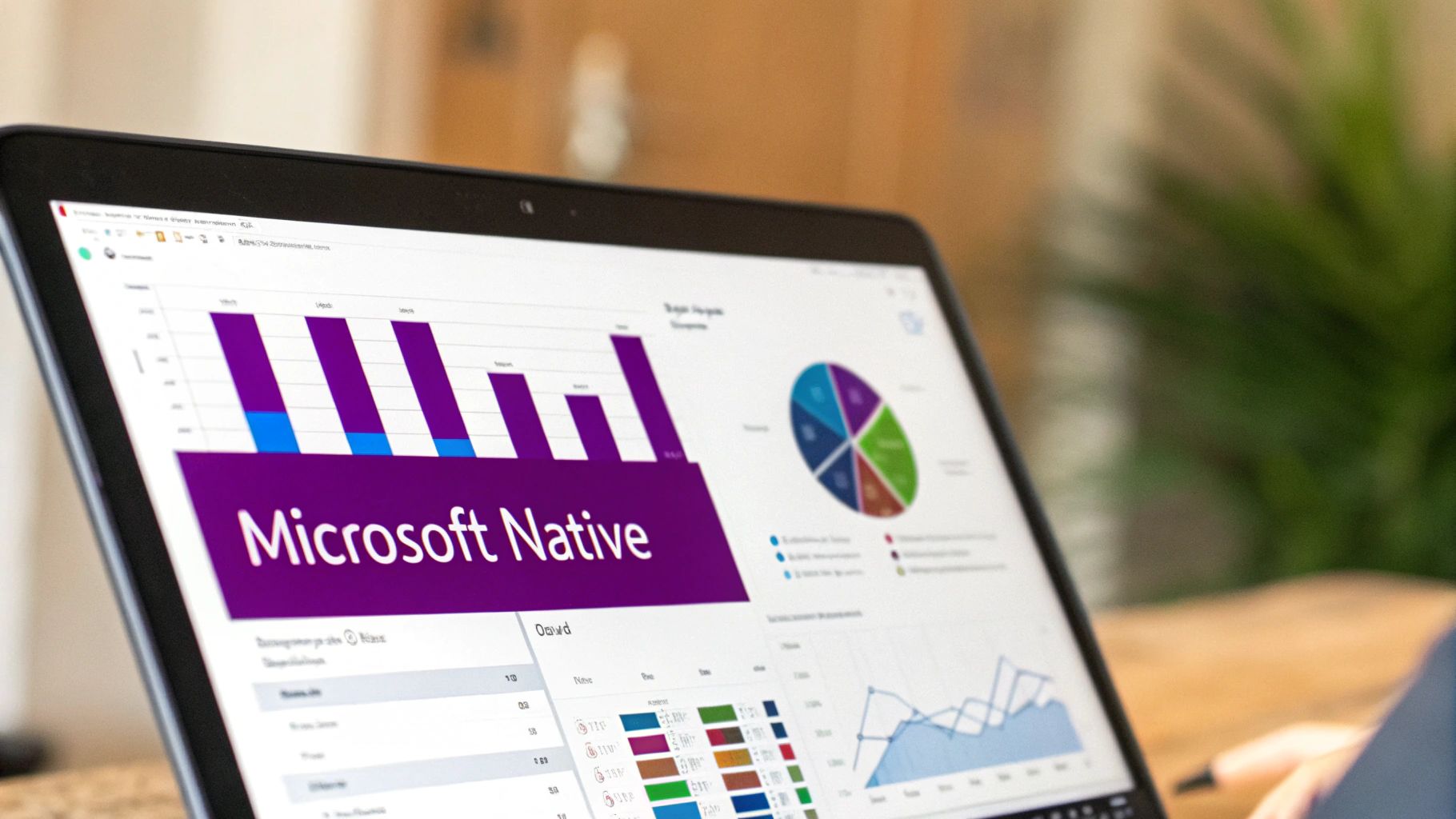
As you can see, Dataverse isn’t just a database; it’s a central hub that ensures all your business apps work from the same consistent and secure set of data.
Investing in a Future-Proof Platform
Opting for a native solution isn’t just about today’s needs; it’s about setting your organisation up for the future. As Microsoft continues to embed powerful AI and Copilot features deeper into Teams, Power BI, and its other applications, those capabilities will naturally flow into a WFM system built on the very same platform.
This means your investment is aligned with a clear, forward-thinking technology roadmap. You’ll gain access to new AI-driven insights and features as they’re released, without having to manage a separate, complicated upgrade for your WFM system. It’s what makes a Microsoft-native platform one of the strongest contenders for the best workforce management software for ambitious UK companies.
To see how a Microsoft-native solution could work for your business, give us a call on 01522 508096 today or send us a message.
How to Manage Complex Rostering in UK Healthcare
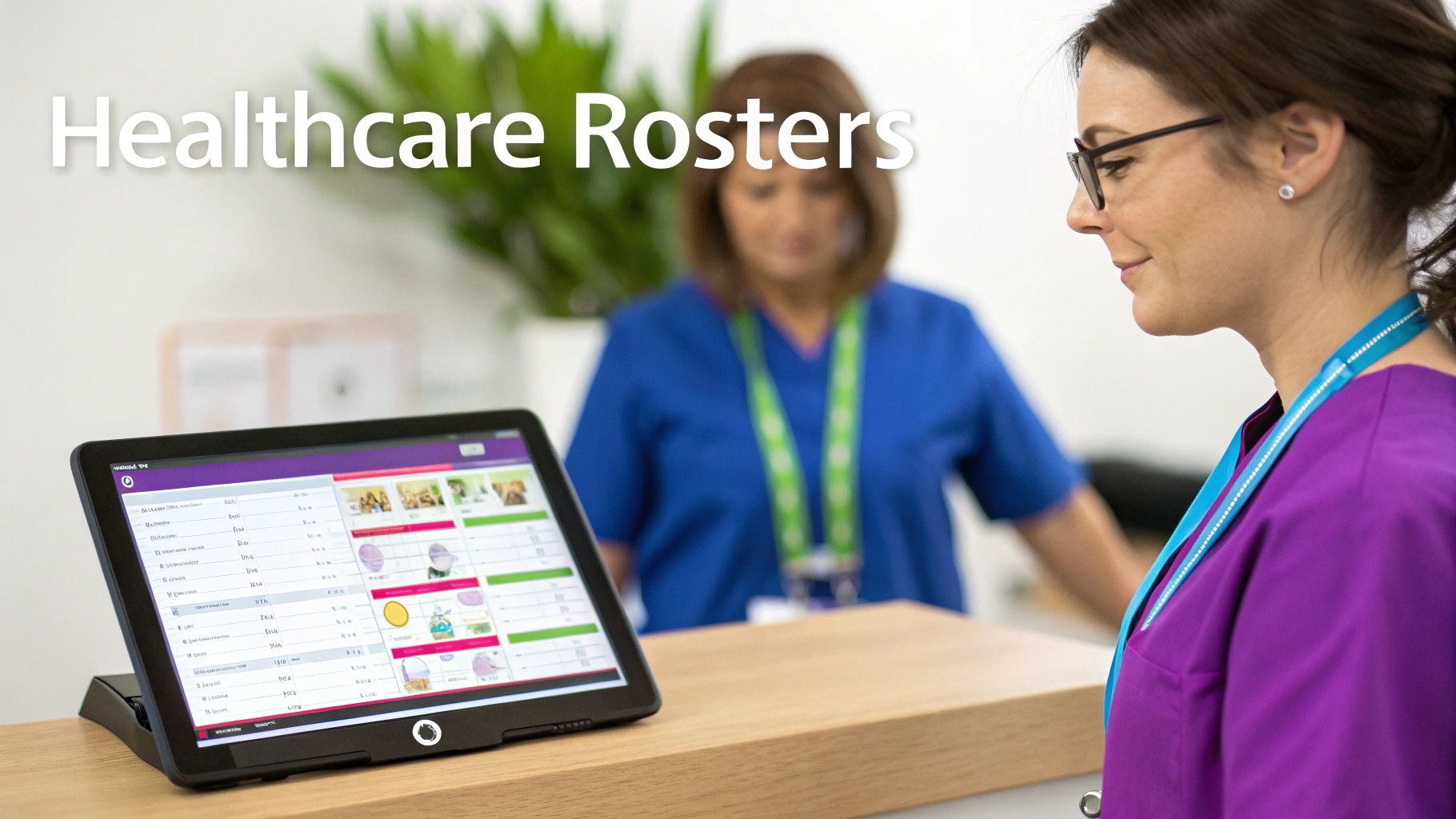
Let’s bring this discussion down to earth with a real-world example from one of the UK’s most demanding sectors: healthcare. Picture yourself as the manager of a mid-sized care home. Your day-to-day is a constant juggling act, balancing exceptional patient care against staff well-being and incredibly tight budgets.
Every single week, you face the enormous task of creating a fair, safe, and compliant rota. You’re dealing with complex shift patterns for nurses, care assistants, and support staff, all with different contracts, skills, and availability. And layered on top of all that, you have to follow the UK’s Working Time Regulations to the letter and ensure everyone on shift has the correct, up-to-date certifications for their role.
The Pitfalls of Manual Rostering
Trying to manage this with spreadsheets or a basic scheduling app isn’t just inefficient; it’s a huge operational risk. One small mistake can easily spiral into a compliance breach, leave you with inadequate patient cover, or lead to staff burnout from unfairly balanced shifts. The manual effort of checking a nurse’s paediatric first aid certificate is still valid before assigning them to a specific wing is slow and leaves the door wide open for human error.
This administrative load pulls experienced managers away from what they should be doing: focusing on high standards of care. It’s precisely this problem that’s causing the UK hospital workforce management software market to expand so quickly. Current projections show it reaching £209.1 million by 2032, a figure driven by the urgent need to automate these exact processes. You can find more detail on this growth from Data Bridge Market Research.
How a Modern WFM System Solves This
The best workforce management software turns this reactive, weekly chore into a genuine strategic advantage. It’s far more than a scheduling tool; it becomes the central command hub for your entire operation.
An AI-powered scheduling engine can build an optimised rota in minutes, not hours. It automatically factors in staff availability, specific skills, contracted hours, and Working Time rules, making sure every shift is compliant and cost-effective from the outset.
Better yet, the system automates the compliance checks that are so easy to miss:
- Certification Tracking: It will automatically flag any employee whose qualifications are nearing their expiry date. It can even prevent them from being rostered for duties they are no longer certified to perform.
- Real-Time Adjustments: When a staff member calls in sick, the system can instantly identify and suggest suitable, available, and qualified replacements, letting you fill the gap in just a few clicks.
- Cost Control: Managers get a real-time view of the labour cost implications of the rota as it’s built. This helps to keep a lid on overtime and reduce the reliance on expensive agency staff.
This practical example highlights how a modern WFM platform isn’t just about administration. In a high-stakes environment like healthcare, it’s an essential asset for maintaining compliance, controlling costs, and ultimately, delivering better patient outcomes.
To discuss how to solve your complex scheduling challenges, phone 01522 508096 today or send us a message.
Budgeting and Implementing Your New WFM System
Choosing the right platform is a big decision, but it’s understanding the real costs—both in time and money—that truly makes it a successful one. When you’re looking at workforce management software, you have to see past the sticker price and get a handle on the Total Cost of Ownership (TCO).
This TCO isn’t just about the monthly subscription. It’s the full picture of every expense tied to getting the system up and running, and keeping it that way. These hidden costs can easily catch you out and affect your return on investment, so getting the budget right from the start is non-negotiable.
Understanding the Full Cost Picture
The subscription fee is just the beginning. A realistic budget needs to account for all the other costs that pop up during implementation and beyond.
Be sure to factor these key expenses into your calculations:
- Implementation and Setup Fees: This covers the work needed to configure the system to match your specific business rules, workflows, and policies.
- Data Migration: The often tricky process of securely moving all your employee records, historical timesheets, and leave data from an old system into the new one.
- User Training: You need to invest time and resources to get your managers and employees up to speed and using the new software effectively.
- Ongoing Support Contracts: These are the annual costs for technical help, system updates, and general maintenance.
A common pricing model for a cloud-based WFM solution in the UK is a per-user, per-month fee. For a company with 200 employees, you could expect this to be anywhere from £4 to £8 per user per month. That works out to an annual licence cost between £9,600 and £19,200—and that’s before you add any of the other costs we’ve just talked about.
Contrasting Implementation Timelines
How long it takes to go live is another massive factor that directly hits your budget. A long, drawn-out implementation ties up your internal teams and delays the moment you start seeing any real benefit from your investment.
This is where the software’s underlying design really matters. A standalone WFM system often forces you to build custom integrations from the ground up just to talk to your existing HR and payroll systems. You also have to set up all your user security and permissions in a completely separate environment.
On the other hand, a solution built natively on the Microsoft stack works with the infrastructure you already have. Because it uses Microsoft Entra ID for security and Dataverse for its data foundation, the whole setup is far quicker. Your user profiles and security groups are already there, which massively cuts down the deployment time and gives you a much clearer, more predictable path to getting value.
Ready to create a realistic budget for your new WFM system? Phone 01522 508096 today or send us a message for a detailed consultation.
So, Which WFM Partner is Right for Your Business?
Choosing your workforce management software isn’t just another item on a procurement list. It’s about finding a long-term partner who will help your business grow and operate more efficiently for years to come. The right partner really gets the specifics of the UK market and offers a solution that can adapt as you do, rather than trapping you in a system that can’t keep up. This is the point where all your research turns into real, meaningful action.
If your business is already built around the Microsoft ecosystem, the decision often becomes a lot clearer. A truly native solution like DynamicsHub makes a very strong argument, not just because it integrates so smoothly with everyday tools like Teams and Outlook, but because of the huge difference it makes to your total cost of ownership (TCO), security, and getting your team on board. When you build on your existing Microsoft 365 investment, you neatly avoid the headache of juggling separate systems, conflicting security rules, and data that’s all over the place.
Your Final Evaluation Checklist
To make sure you choose with confidence, run each potential WFM partner through this simple checklist.
- Is it truly native? Does the software actually live inside your Microsoft environment, using Dataverse for its data and Entra ID for security?
- Is it UK-compliant out of the box? Does it have dedicated, built-in tools for handling UK Right to Work checks and staying on the right side of GDPR?
- How will my team actually use it? Can your people manage their schedules, book holidays, and fill in timesheets without ever leaving Teams or Outlook?
- What’s the real cost? Does the price you’re quoted include implementation, proper training, and ongoing support, or are there hidden extras waiting to surprise you?
- Will it grow with us? Is the platform designed to scale as your business expands? And is it ready to take advantage of new developments in Microsoft AI and Copilot?
Ultimately, choosing a WFM system is an investment in your people and the future of your operations. The right software becomes a genuine strategic asset, freeing up your team from tedious admin to focus on the high-value work that actually pushes the business forward.
Answering these questions gives you a solid framework for comparing your options and making sure the final choice lines up perfectly with where your business is heading. You’re not just looking for software; you’re looking for a partner who can deliver a real competitive edge.
Ready to move from evaluation to action? Let DynamicsHub show you how a Microsoft-native WFM solution can transform your operations. To discuss your specific requirements, phone 01522 508096 today or send us a message.